Blender Add-on

Light Driven Color Grading for Blender

Create cinematic color grading directly in Blender.
No EXR. No Nuke. No Photoshop.
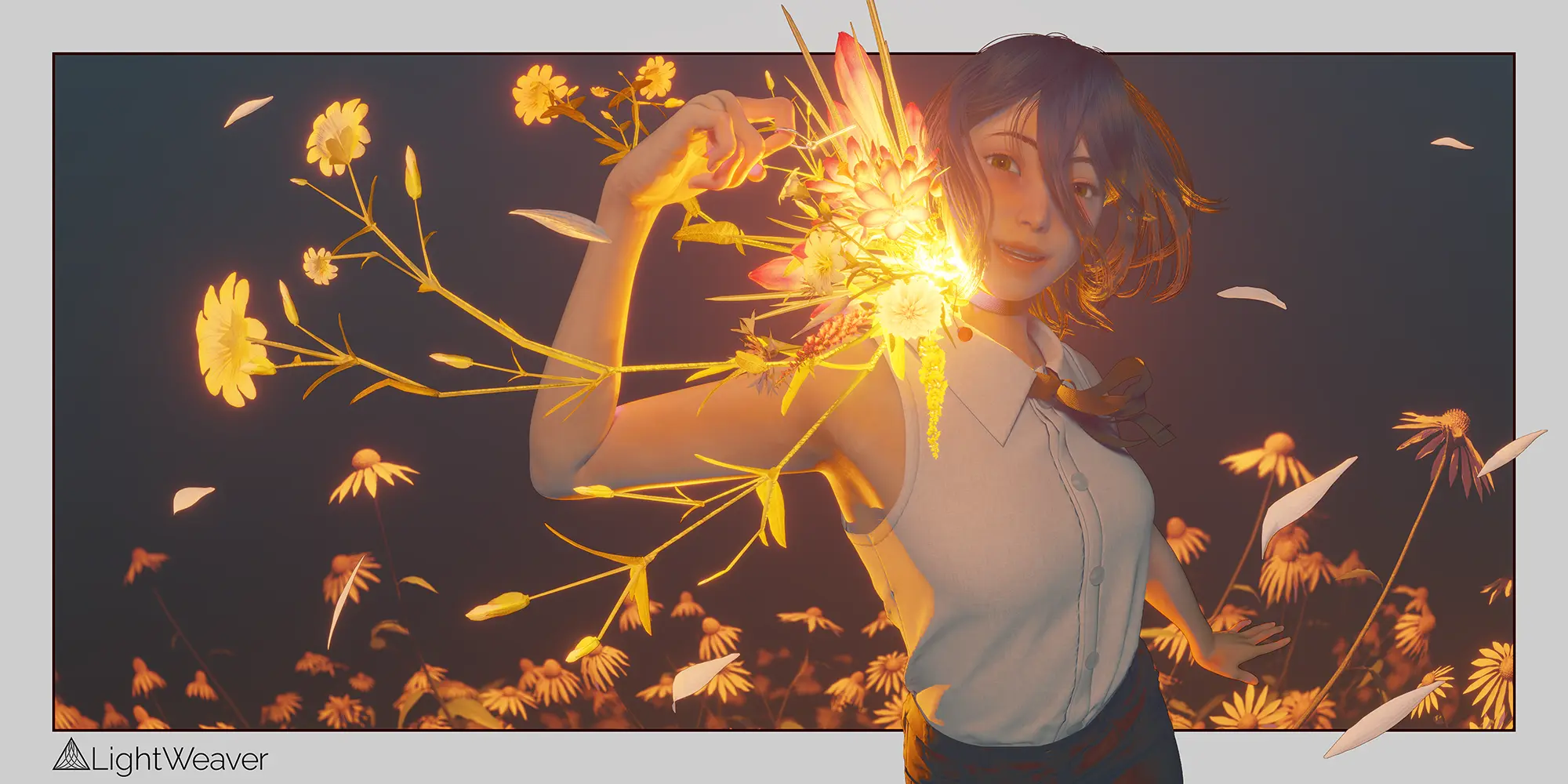
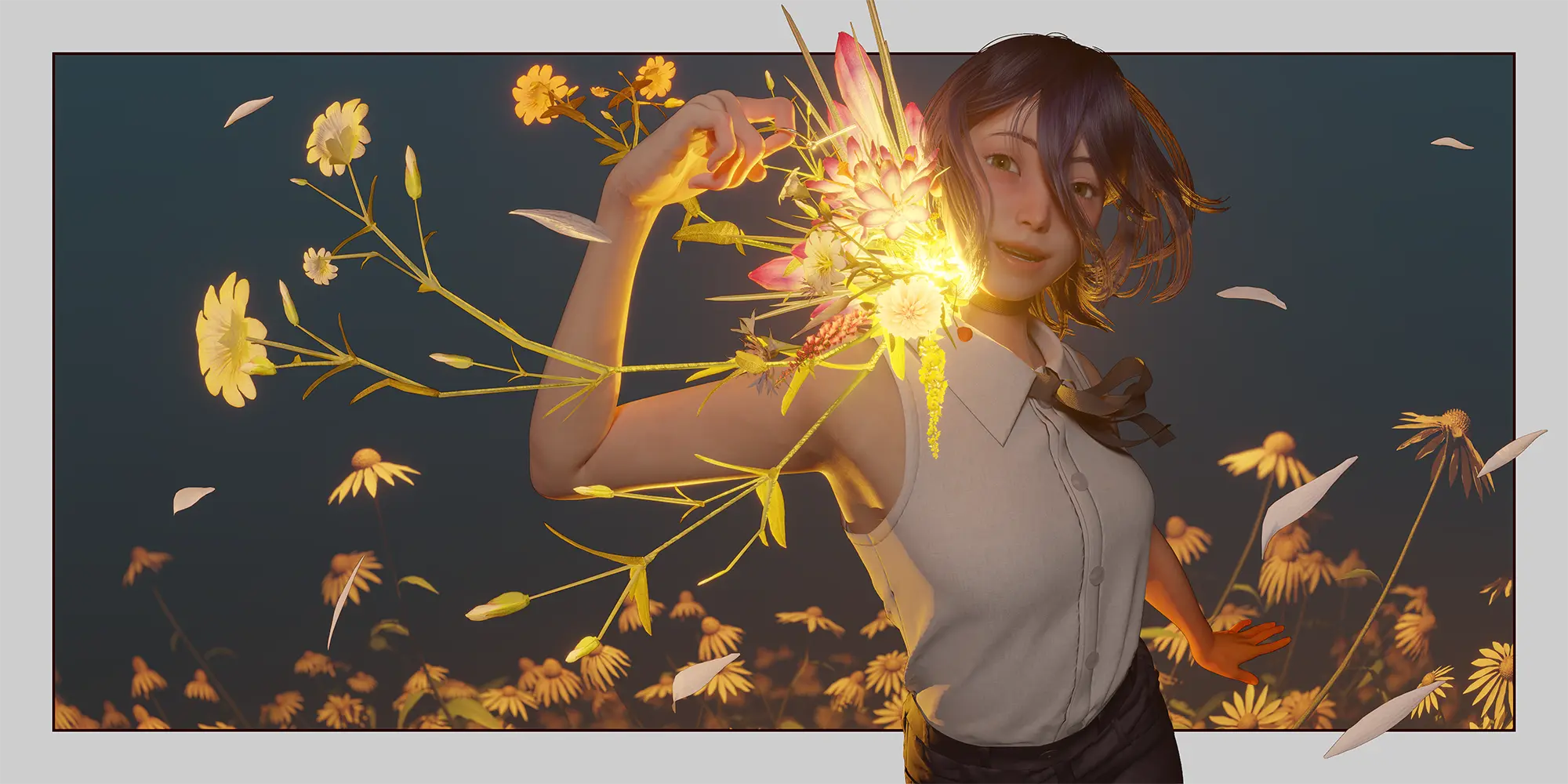
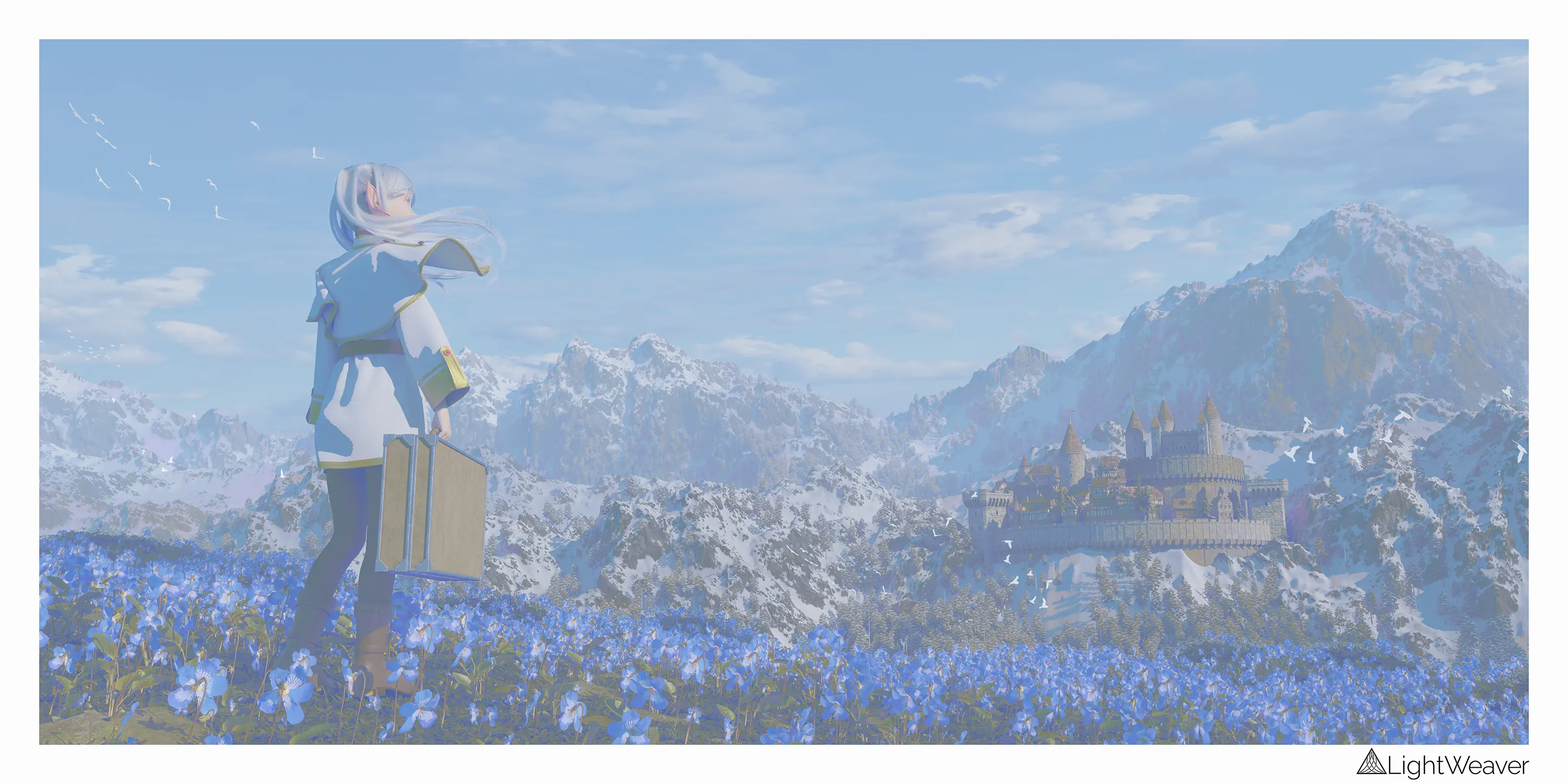
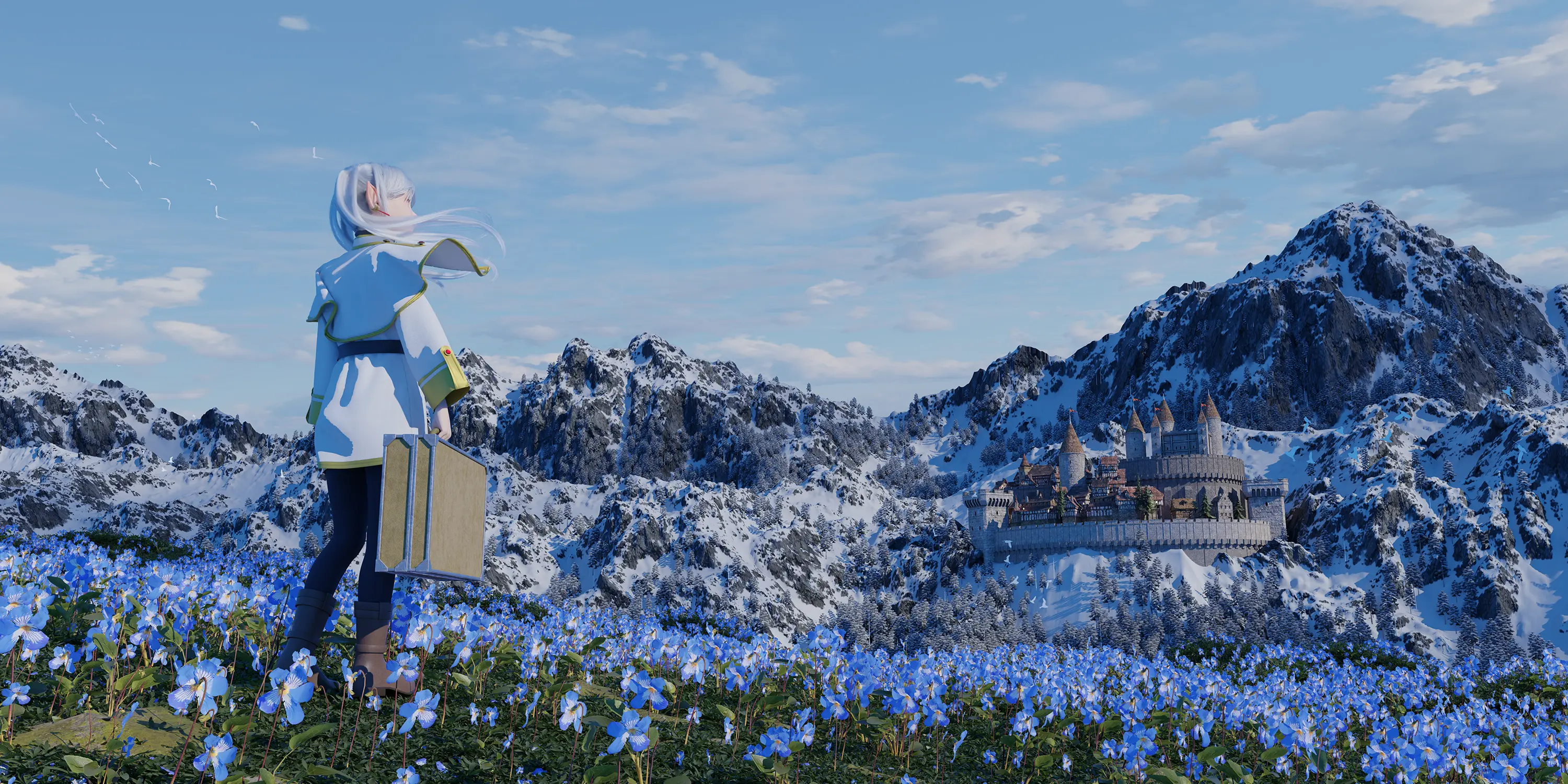
After Before
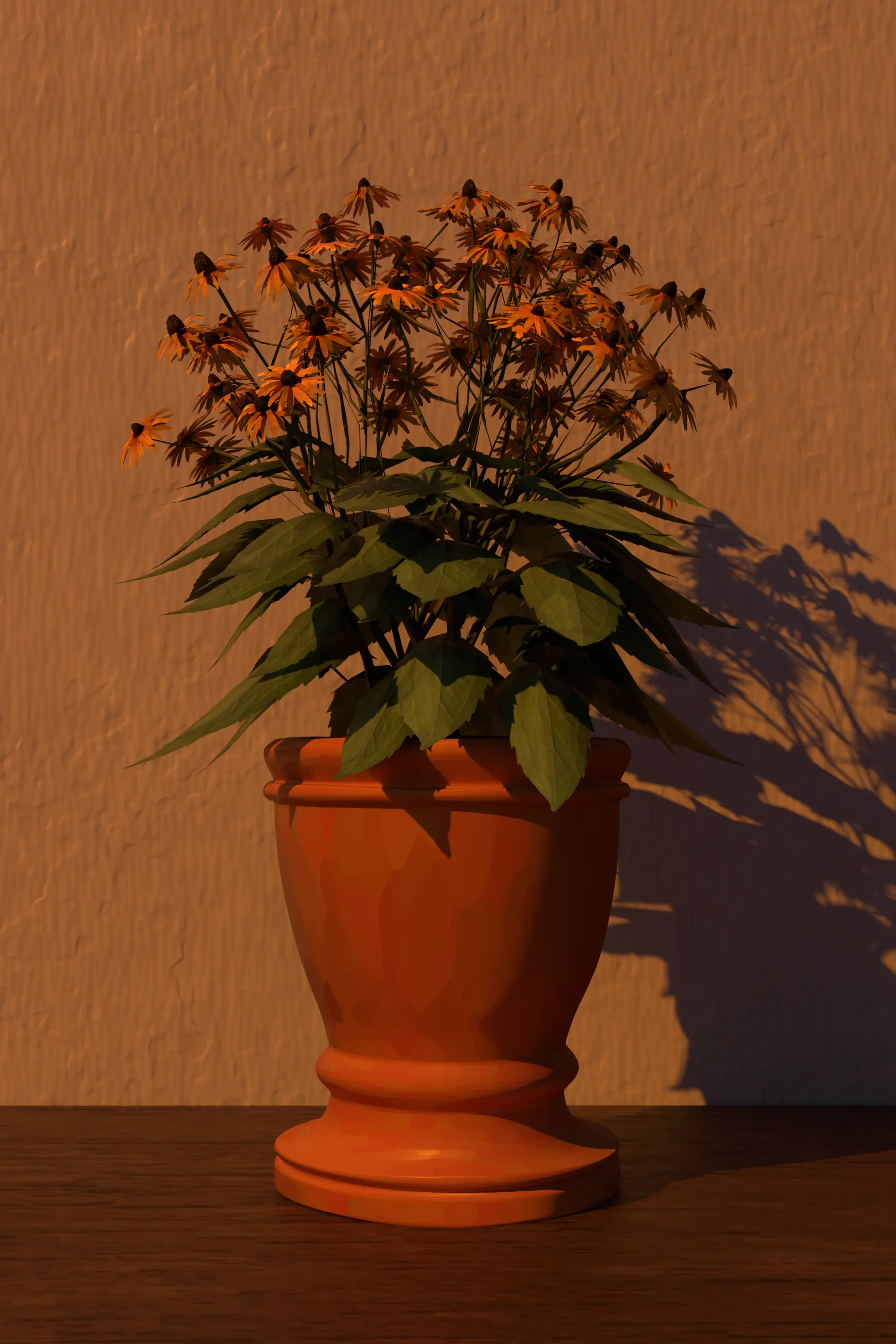
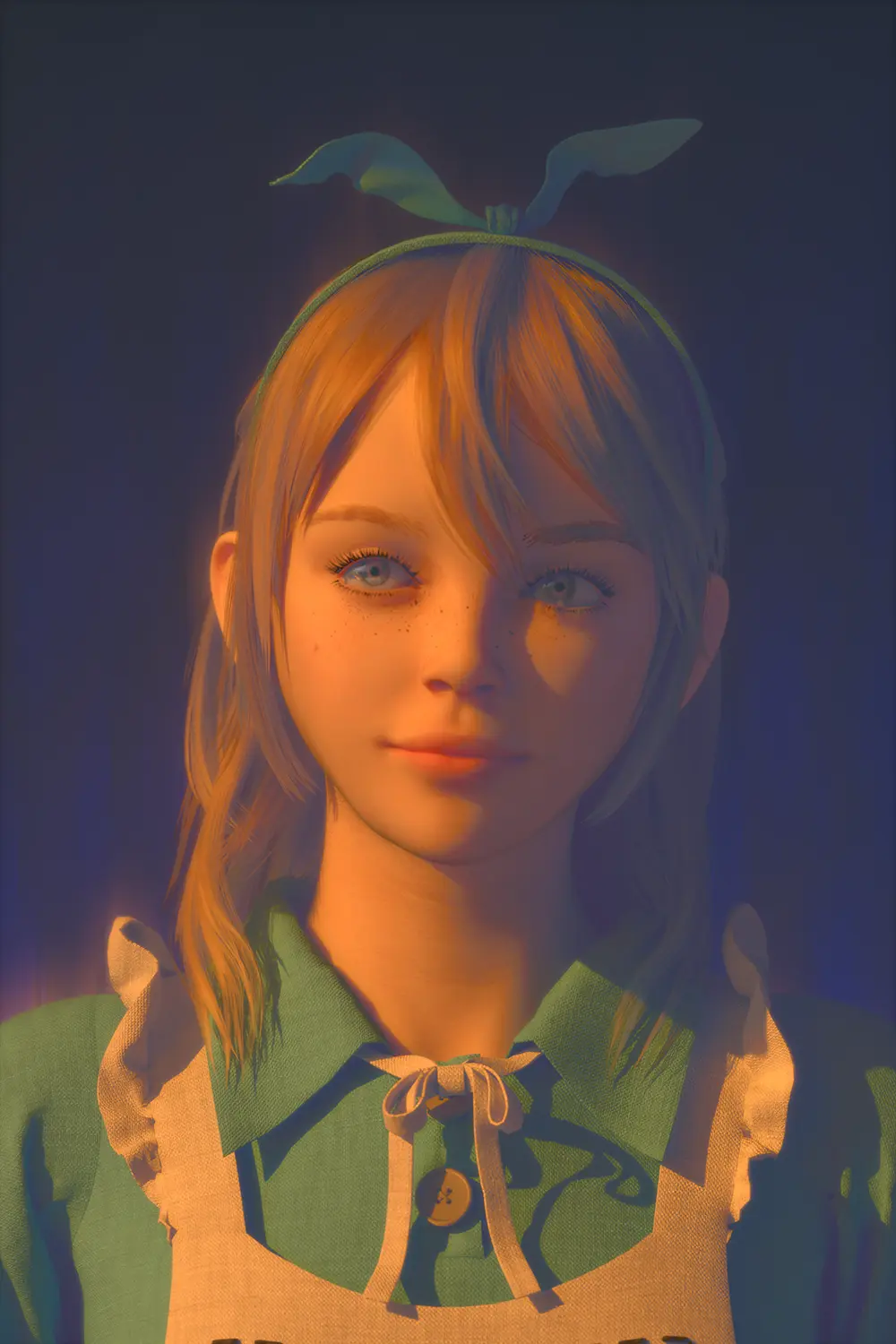
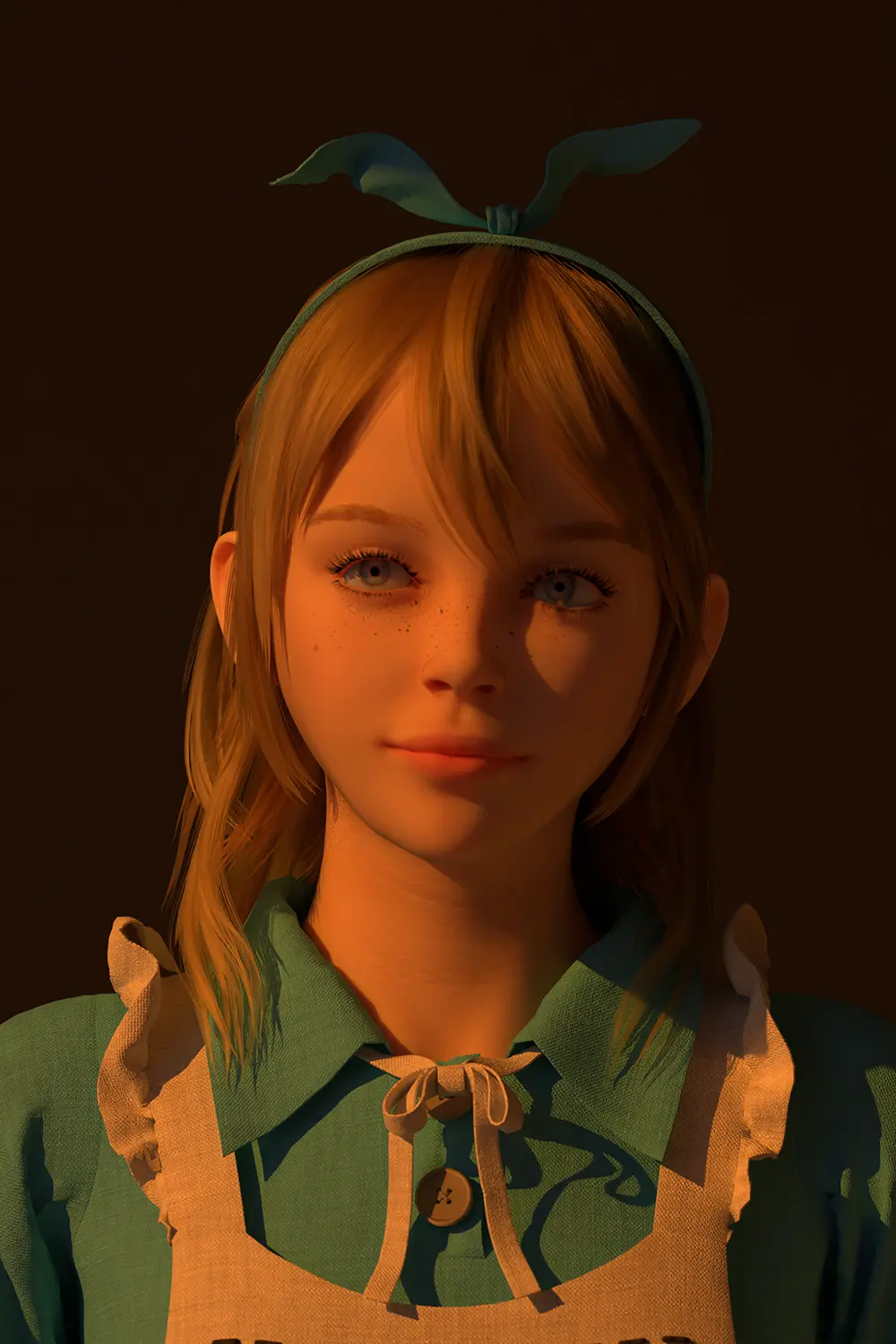
Raw Render Cinematic Color

A New Way to Color Grade

LightWeaver brings advanced color grading back into Blender, so lighting and color design happen in the same environment where you render.

🎨

Light-Driven Color

Use lighting information to transform light and shadow into controllable color variations — no more exporting to external software.

Stay in Blender

Complete advanced color grading directly in the Blender compositor with immediate visual feedback. No EXR export required.

🔄

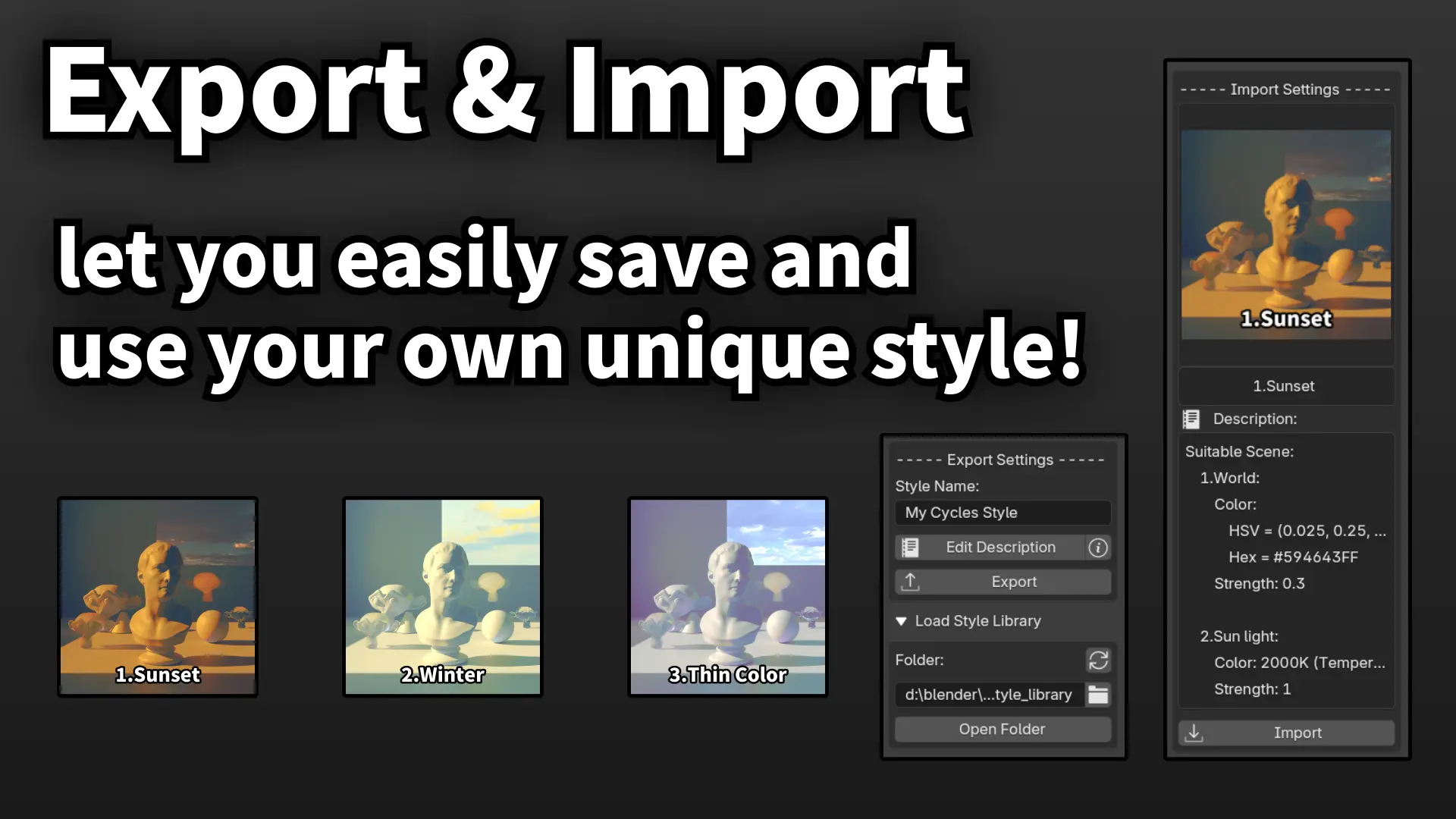
Reusable Styles

Build your own color styles and apply them across multiple scenes. Perfect for animation, cinematic sequences, and game assets.

🪄

Additional Features

Additional features beyond color grading, making your work not only rich in color, but also dazzling and eye catching.

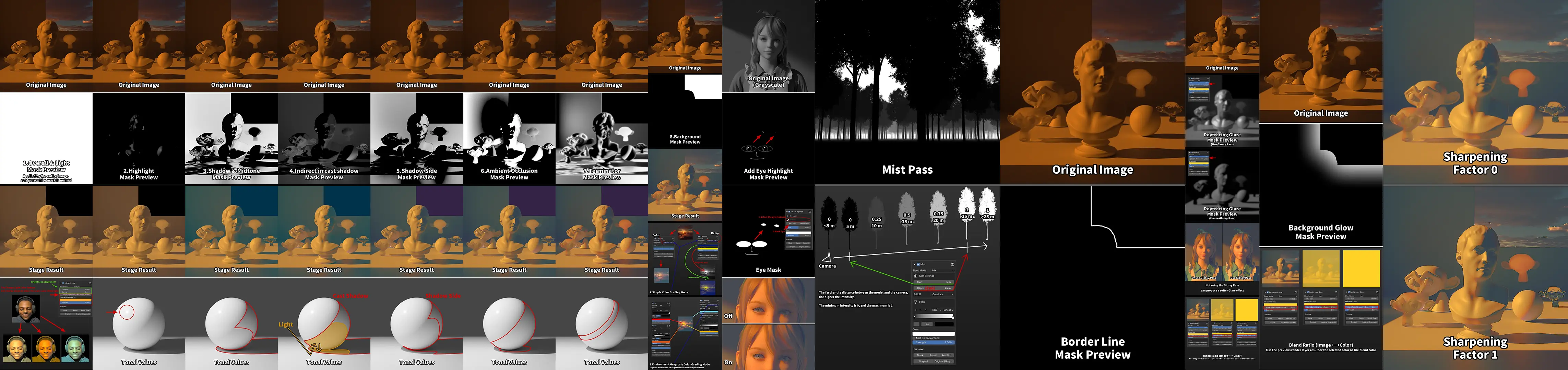
Compositing Order

Color Grading

  1. Overall & Light
  2. Highlight
  3. Shadow & Midtone
  4. Indirect in cast shadow
  5. Shadow Side
  6. Ambient Occlusion
  7. Terminator
  8. Background

Additional Features

  1. Add Eye Highlight
  2. Mist
  3. Border Line
  4. Raytracing Glare
  5. Background Glow
  6. Sharpening

Everything You Need for Professional Color Grading

🔱

Automatic Light/Shadow Separation

LightWeaver analyzes the distribution of light and shadow in the scene and converts it into controllable masks. Adjust colors for highlights, shadows, and midtones without manual mask painting.

🎯

Native Blender Integration

All color adjustments happen directly in the Blender compositor. Real-time preview means you see exactly what you're getting.

💡

Light-to-Color Workflow

Shape the visual style of a scene through lighting decisions rather than relying entirely on post processing. A natural relationship between light and color.

📦

Style Library

Save and reuse your color styles across different projects. Maintain visual consistency for entire sequences or series.

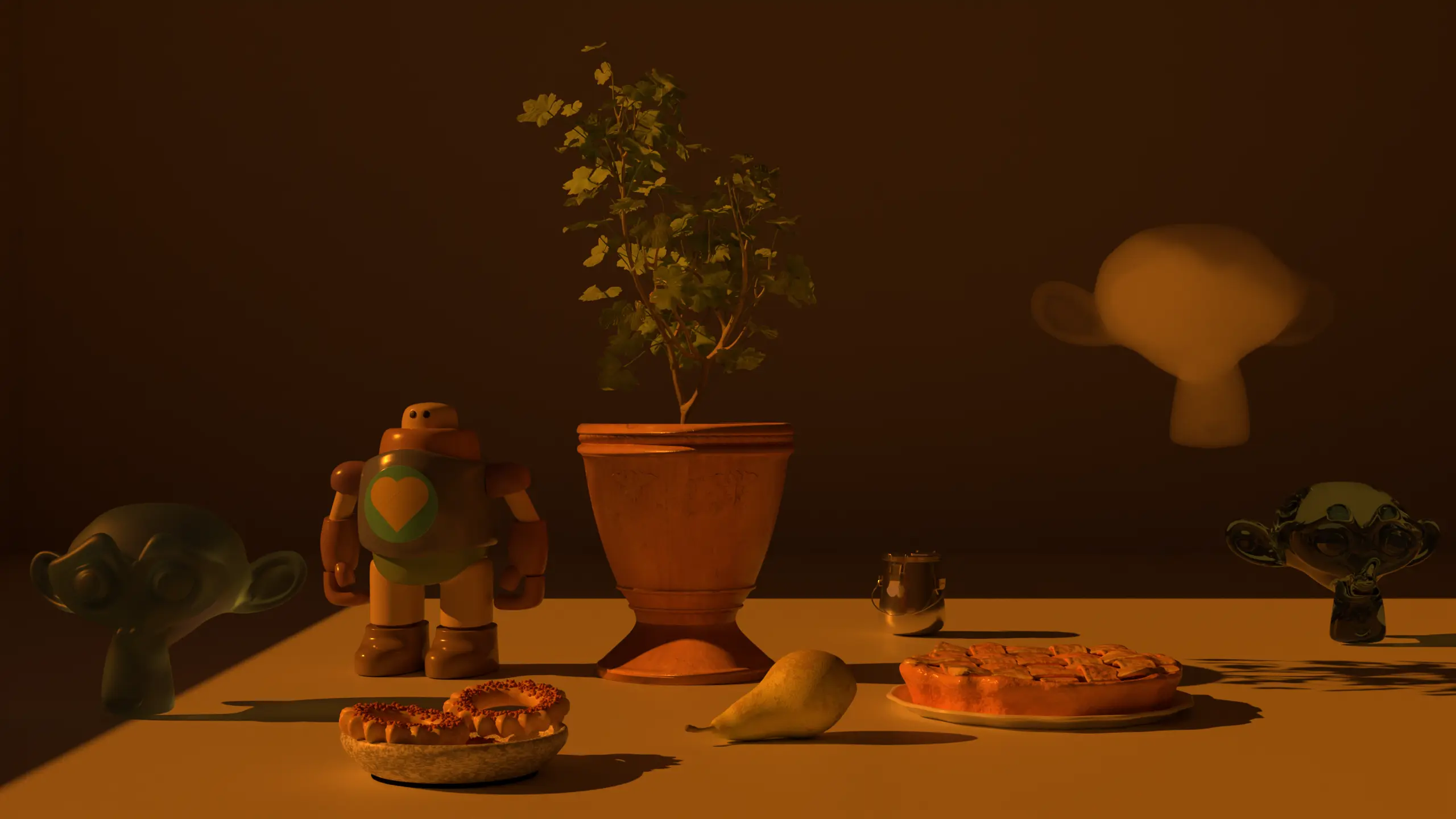
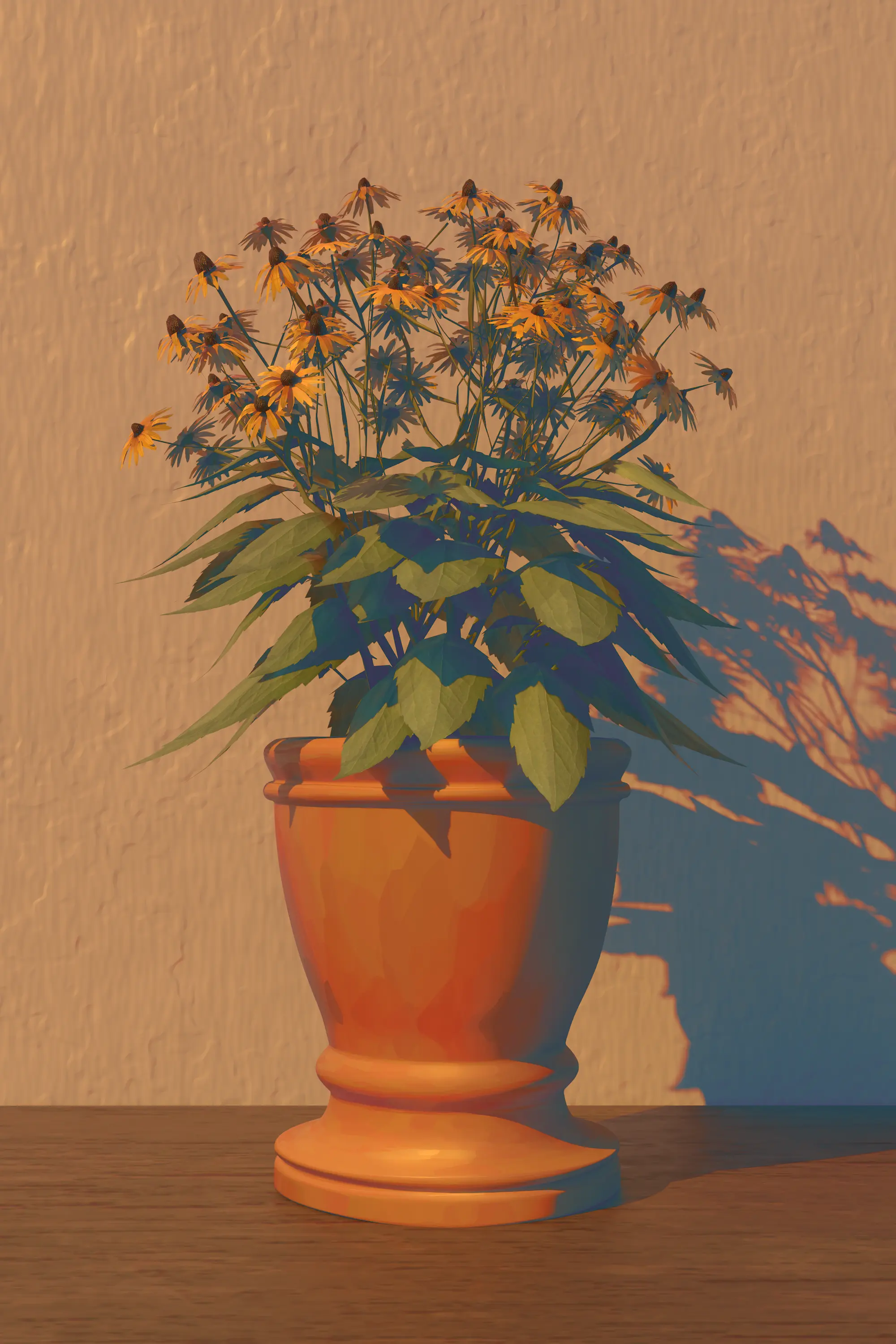
Achieve Cinematic Looks in Blender

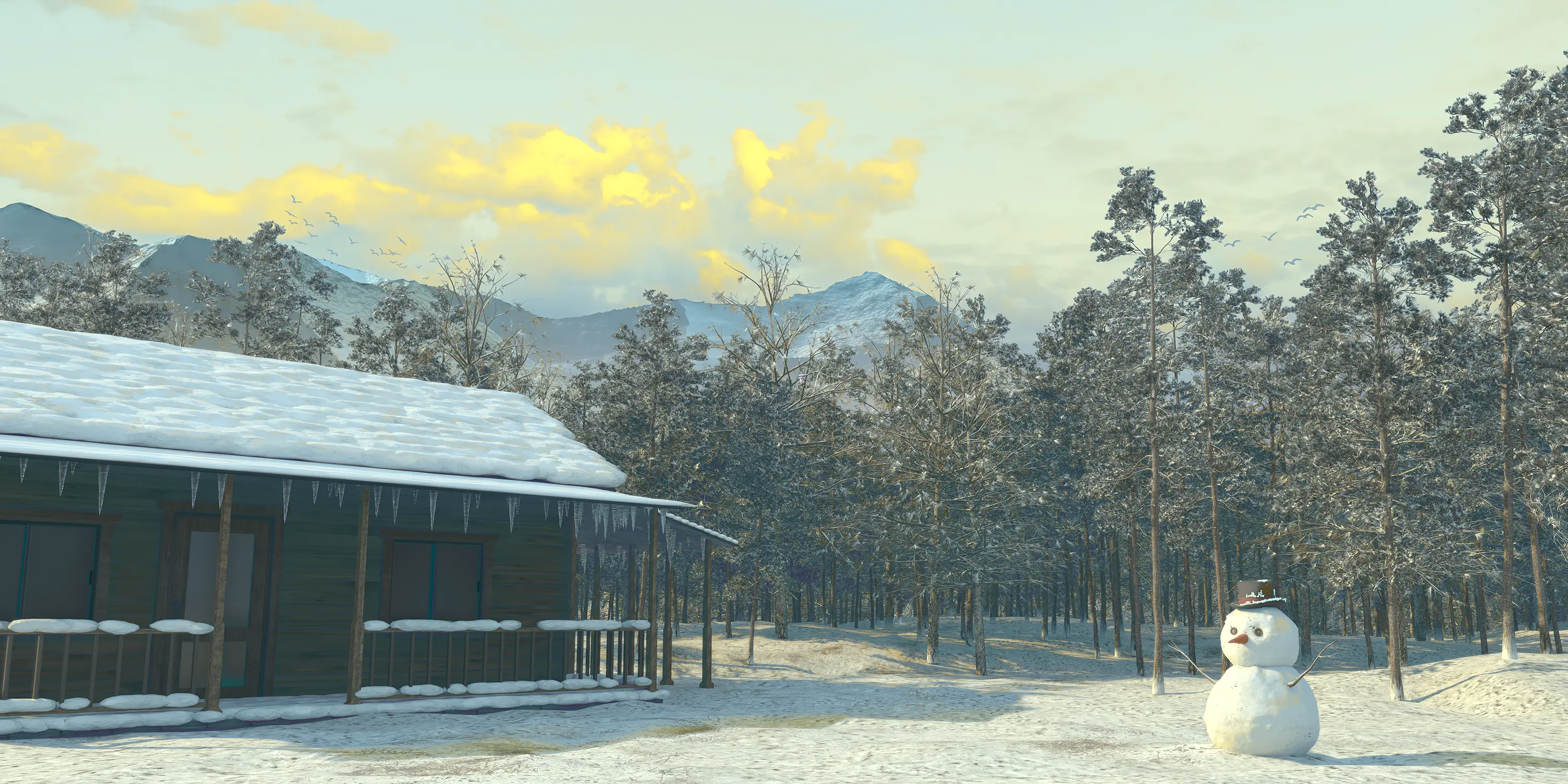
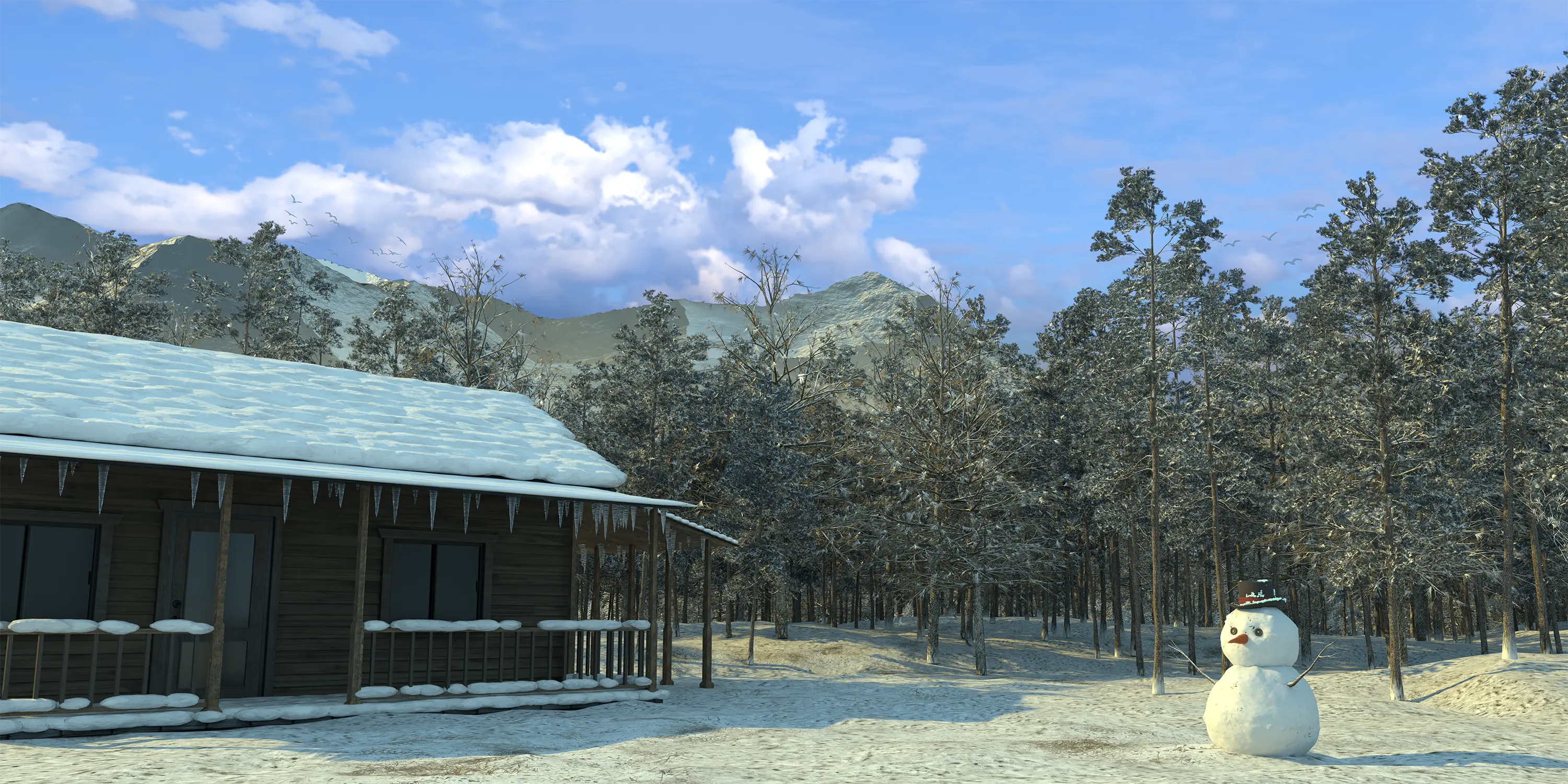
From subtle color shifts to dramatic transformations — LightWeaver gives you precise control over every aspect of your image's color.

And more styles coming in future updates!

More Styles

Who LightWeaver Is For

LightWeaver is designed for Blender users who want precise control over color and lighting — without leaving the software they know.

🎬

VFX & Animation Artists

Create consistent, professional color grades across complex sequences

🎮

Game Artists

Maintain visual consistency across environment art and assets

🏎️

Product Visualization

Achieve photorealistic renders with precise color control

🏠

Independent Creators

Simplify your workflow with all-in-one lighting and color tool

Built-in Info System

All Color Grading features and Additional Features include an Info button, allowing you to easily view detailed feature information images.

⚡ System Requirements

  • Blender version 5.x or newer
  • Cycles recommended (more light passes, better results)
  • EEVEE supported for basic functionality

Get LightWeaver Today

Individual
$22 USD

For personal use

  • Light-driven color grading
  • Automatic light/shadow masks
  • Reusable style library
  • Cycles & EEVEE support
  • Commercial license
Small Studio
$69 USD

Up to 5 seats

  • Everything in Individual
  • Up to 5 users
Studio
$119 USD

Up to 10 seats

  • Everything in Small Studio
  • Up to 10 users
Enterprise
$199 USD

11+ seats

  • Everything in Studio
  • Unlimited users
  • Priority support

Frequently Asked Questions

LightWeaver uses actual lighting information to drive color grading. Instead of just adjusting hue/saturation, it creates masks based on where light actually falls in your scene, giving you control over different regions (highlights, shadows, midtones) that correspond to real lighting — not just arbitrary color ranges.
LightWeaver supports both Cycles and EEVEE. However, Cycles provides more light passes and produces better results since it has access to richer lighting data. EEVEE works for basic functionality but some advanced features work best with Cycles.
No! That's the key benefit. All color grading happens directly in Blender's compositor. You get immediate visual feedback and never need to switch to external software like Nuke just to achieve advanced color control.
Absolutely. LightWeaver includes a style library system that lets you save, name, and reuse color styles across any number of scenes. This is especially valuable for maintaining consistency in animation series, game assets, or any multi-scene project.